English
 हिंदी
हिंदी

DOWNLOAD TATVIK TMF20 DRIVER
Step:-1
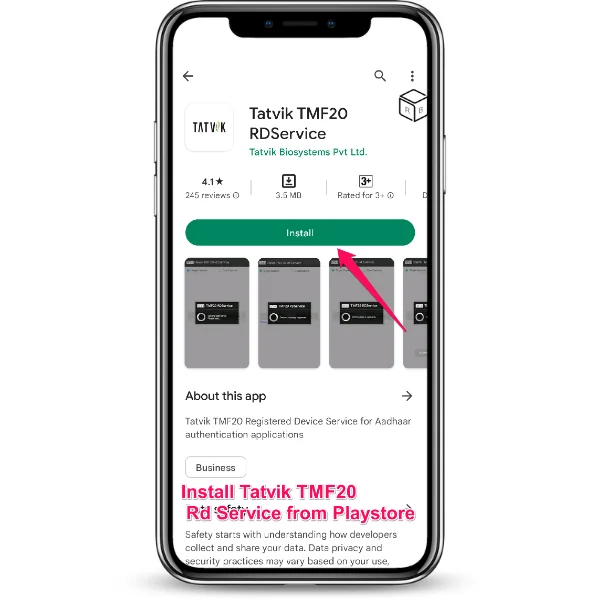
Download Tatvik TMF20 RD Services by Tatvik Biosystems Pvt. Ltd. from Play store on your android device.

Tatvik TMF20 Tips
⇝ UIDAI has introduced RD services in biometric device installations as per latest security guidelines.
Step:-2
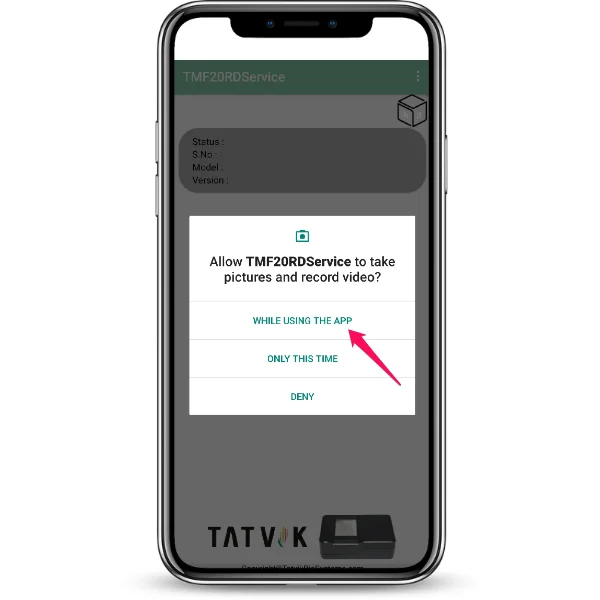
Allow Tatvik TMF20 RD Services access to photo & media while using the app as shown in the image.
Tatvik TMF20 Tips
⇝ The biometric devices (vendors) that are registered with UIDAI will be authenticated to access adhaar portal.
Step:-3
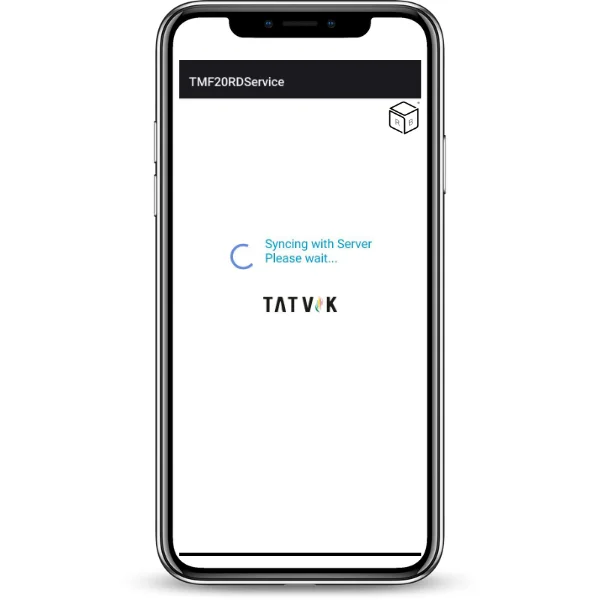
Please wait at this step for synchronization with the server
Tatvik TMF20 Tips
⇝ Before installing Tatvik TMF20 RD Service drivers make sure that Android OS version should be 4.4 (Kitkat) or above.
Step:-4
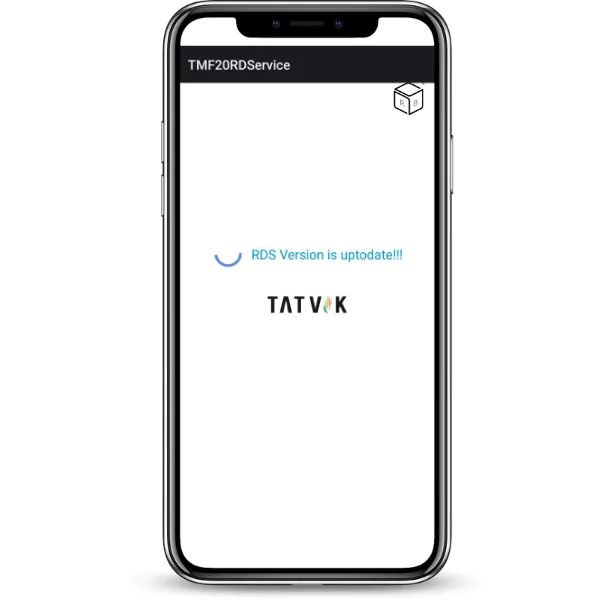 Please check that the message appears “ RDS version is UpToDate”.
Tatvik TMF20 Tips
⇝ Tatvik TMF 20 having large active platen area,i.e., FAP20

 Help Us Grow — हमें आगे बढ़ने में मदद करें।